


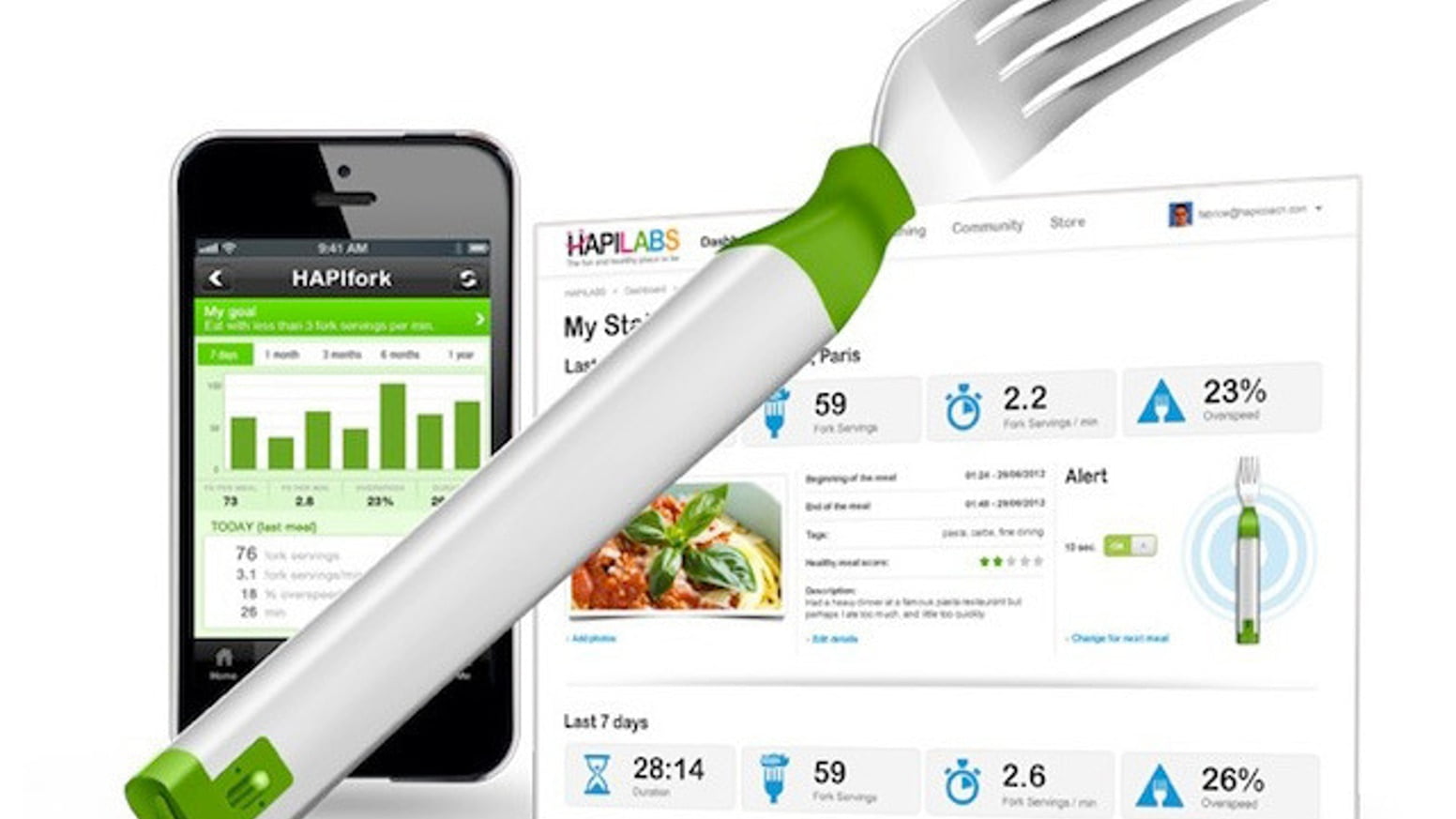
HAPIFORK REVIEW: EAT SLOWER TO EAT BETTER the Hapifork, the surprise darling of CES 2013, promises a quick and intelligent way to help you eat more slowly. (It also says it will help you “eat healthier,” “lose weight,” and “cut calories.”) The fork passively monitors how fast you eat, vibrating and lighting up to let you know when you take too many bites too quickly. It claims to be the answer to all your bad eating habits, with one simple tweak.
The device looks more or less like a regular fork, but its base is wider, almost like an electric toothbrush. It’s weird to use such a big fork at first, but it’s not so large that you can’t get used to it. At the bottom of the base are two lights: a small bar that indicates how charged the battery is, and a circular indicator of your eating speed. In addition to vibrating every time you take a bite too quickly, the circular light will turn red. If you’re eating at a good speed, which means waiting 10 seconds between each bite, the light glows green.
Before using the Hapifork for the first time, you have to do a few things: connect the fork to your computer via its Micro USB port, install the software on your desktop, and leave it connected to charge for about four hours — that gives it about a week’s worth of power. While it charges, you create your profile and set the preferences on the Hapifork’s web dashboard.
Also Read: Atmotube PLUS: FORM SMART SWIM GOGGLES